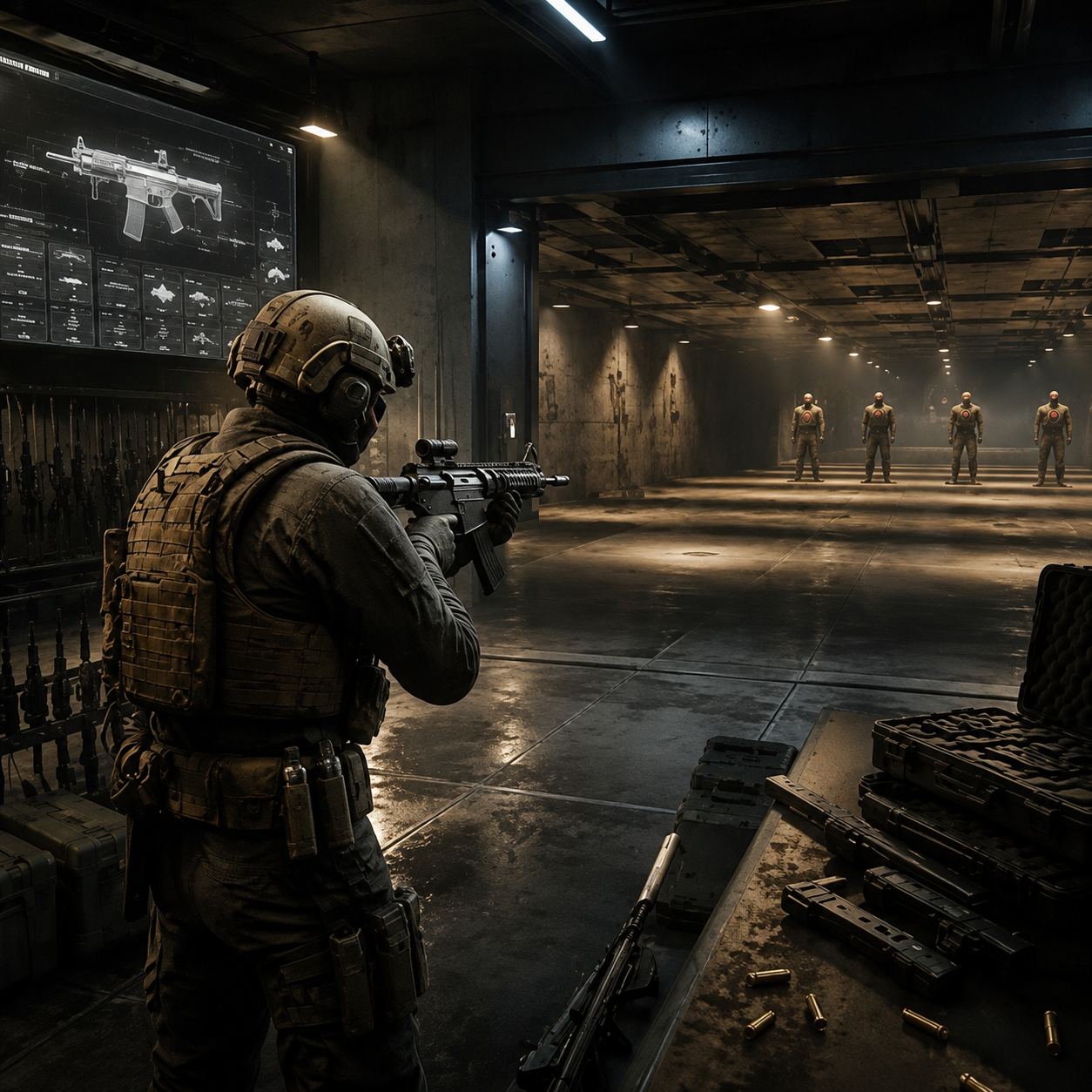
Modern Warfare 4 gives you a few places to work out a weapon before bringing it into a live Multiplayer match. Start with the Firing Range. It lets you compare builds and see which one performs best at the ranges where you usually fight, without relying on untested damage figures or a copied attachment setup.
Start With the Firing Range
Run a new weapon in the range before you touch Gunsmith. Test it in its current configuration first, so you can see how it behaves before attachments affect the result.
The official MW4 Beta guide recommends the Firing Range for comparing weapon builds, testing attachments, and checking performance before entering a match.
Use this routine:
- Select the weapon you want to develop.
- Test its current configuration.
- Fire at targets from different distances.
- Watch the recoil during sustained fire.
- Aim while moving.
- Identify the biggest weakness.
- Change one attachment, then test again.
Change several attachments at once and you will not know what improved the build. If the weapon starts climbing off target after the first burst, you have your answer.
Match the Build to Your Combat Range
Modern Warfare 4 includes several weapon categories, each with its own handling characteristics and Multiplayer role. The Beta guide tells players to test different loadouts and attachment combinations instead of treating one build as suitable for every situation.
| Combat range | Main focus | What to test |
| Close range | Handling | Target acquisition while moving |
| Mid range | Recoil control | Sustained fire and tracking |
| Long range | Stability | Controlled shots and accuracy |
Decide where most of your gunfights happen before you start changing parts. An aggressive SMG needs quick handling. An assault rifle meant for longer sightlines needs steadier control at range.
Test Gunsmith Changes One at a Time
Once you have a baseline, make Gunsmith changes one at a time. Do not chase every number on the stat screen. Find the issue costing you gunfights, then test an attachment intended to address that issue.
Repeat the same check after each change:
- Fire the original configuration.
- Equip one new attachment.
- Repeat the same firing pattern.
- Test from the same distance.
- Check recoil and target tracking.
- Aim while moving.
- Keep the attachment if the result improves the problem you identified.
Two attachments can look nearly identical on paper and behave very differently once you start firing.
Use Gunny When You Need a Starting Point
Gunny recommends weapon configurations using attachments you have already unlocked. Its suggestions are built around different combat ranges, so you have a starting setup without assembling every build by hand.
Take a Gunny recommendation into the Firing Range before changing anything else. If part of the setup does not suit how you play, replace that attachment and run the test again.
Gunny is useful while you are learning a weapon. Experienced players can treat it as a quick first draft.
Turn Weapon Progression Into Your Practice Routine
Weapon progression adds more customization options as you continue using a weapon. Supported weapons can also receive Apex Attachments after reaching their required weapon progression, adding another consideration to the finished configuration.
Instead of rotating through several unfinished weapons, develop a small group that covers different combat ranges.
A simple progression routine
- Pick one primary weapon.
- Use it in Multiplayer to gain weapon progression.
- Test newly available attachments in the Firing Range.
- Save configurations that address specific weaknesses.
- Continue leveling the weapon when you want more customization.
- Return to the range after completing the build.
New attachment available? Test it against the version you were already using.
Use Multiplayer to Confirm the Setup
The range shows what the gun does. Multiplayer shows whether that setup works against actual opponents.
Once the build behaves consistently in the Firing Range, take it into the Multiplayer modes available in the current Beta. Watch for one issue over a group of matches. Repeatedly losing tracking fights points to handling. Trouble controlling shots at longer distances points to the build’s performance at that range.
Do not replace the entire loadout after one bad match. Leave the parts that are working in place and change the component connected to the problem you actually observed.
Keep Bot Lobby Searches Separate From Official Practice Tools
Current official MW4 Beta information covers the Firing Range, Gunsmith, Gunny, weapon progression, Multiplayer modes, and other in-game systems. It does not identify Bot Lobby MW4 as an official Multiplayer practice mode.
The distinction matters. The Firing Range provides a controlled setting for weapon tests, while Multiplayer lets you confirm the setup against actual opponents. An unofficial bot-lobby service should not be presented as a built-in MW4 feature.
Recheck Builds After Beta Updates
MW4 is in its Beta period, with the Open Beta scheduled to begin on August 28 and run through September 1. Developers have already released Beta updates covering weapons, Multiplayer systems, and other gameplay elements. Weapon behavior can change during the testing period.
If you see an MW4 Bot Lobby offered for sale as an easier practice option, do not confuse that outside service with the game’s documented tools. For normal loadout development, test in the Firing Range, make controlled Gunsmith changes, then confirm the finished setup in Multiplayer.